10/10 prod checks green.
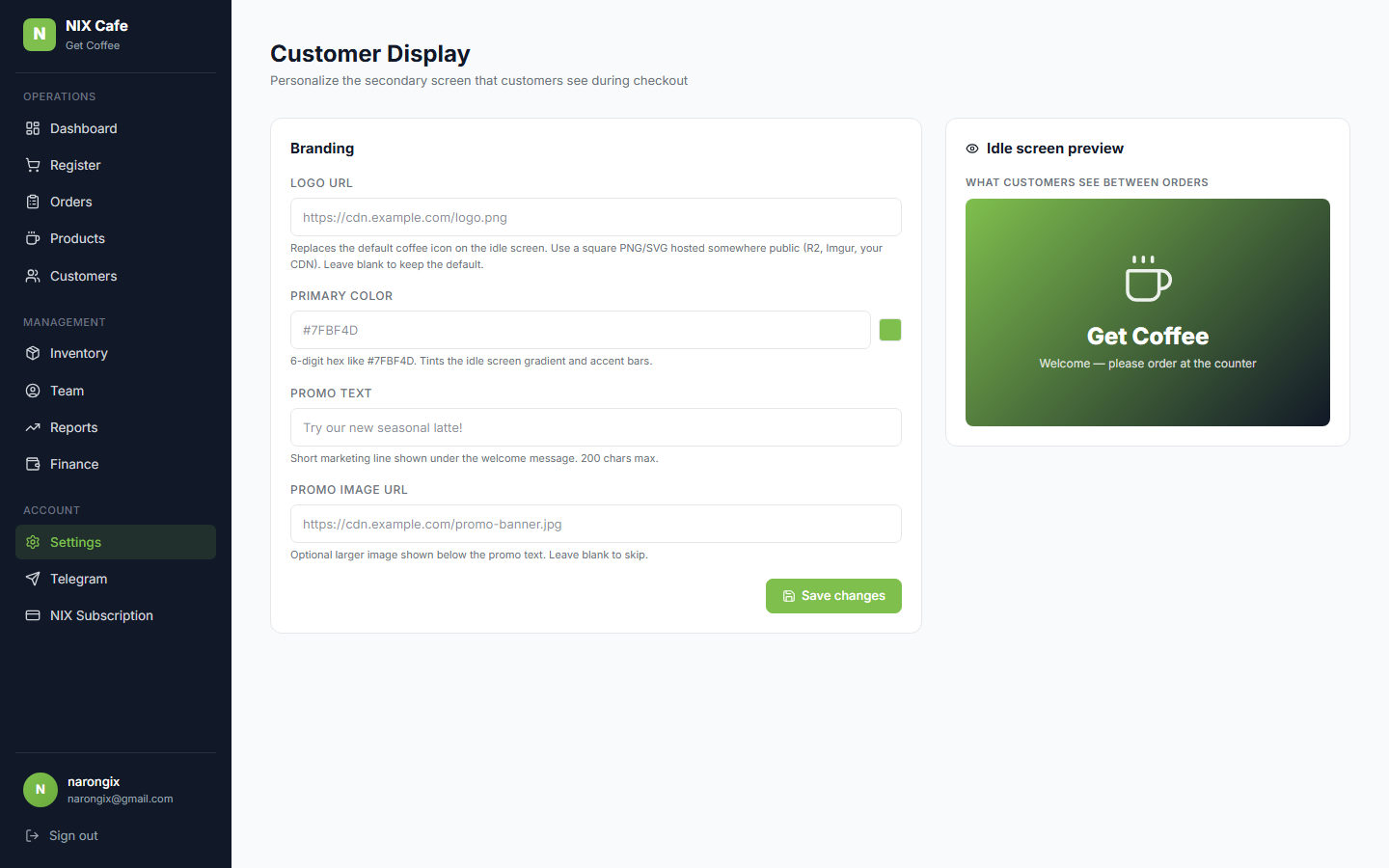
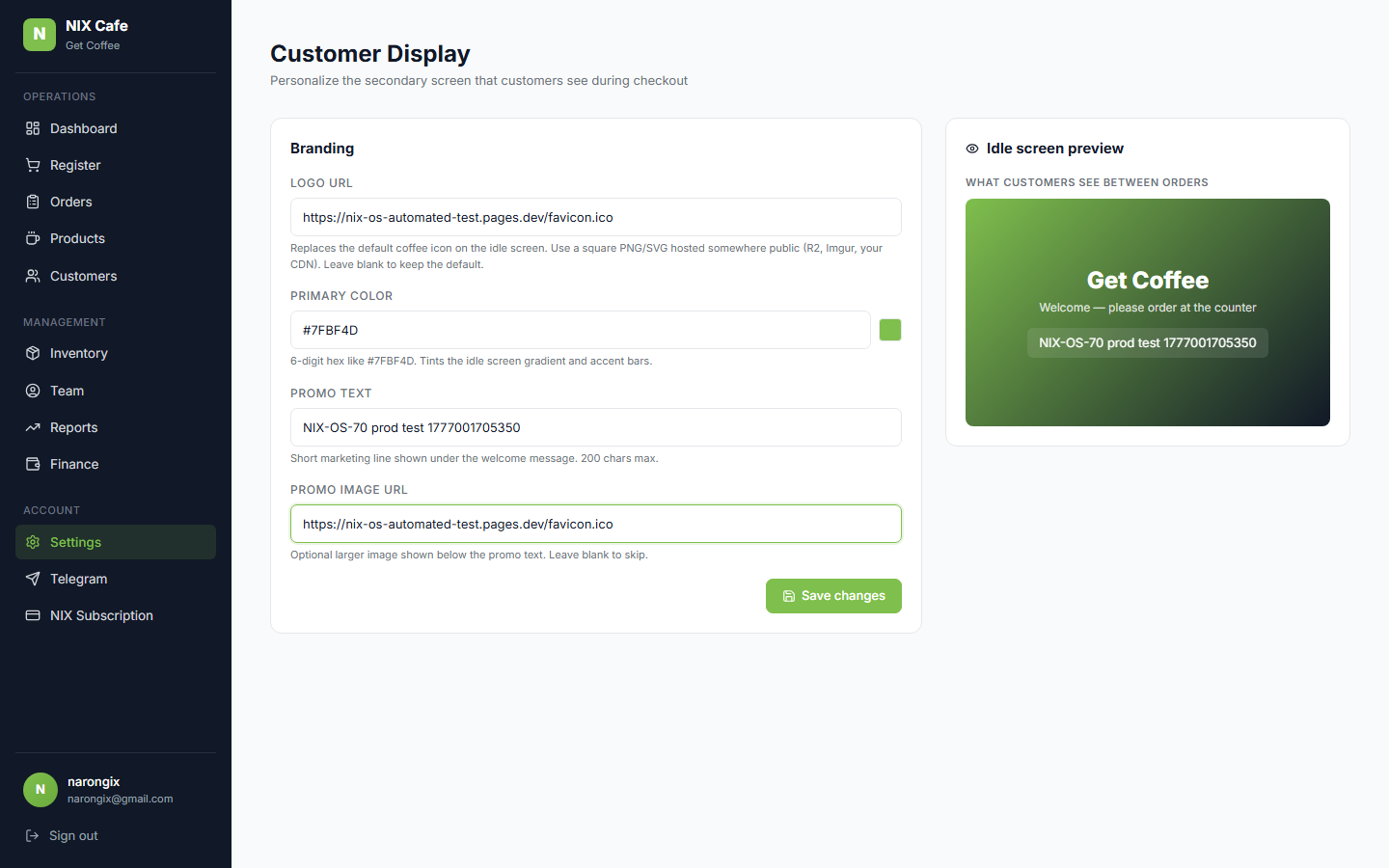
Schema confirmed. SSO login, admin form renders form + live preview side by
side, typing in fields updates the preview immediately, Save action persists
to
cafe.tenant_config (DB ground-truth match on all 4 fields),
public
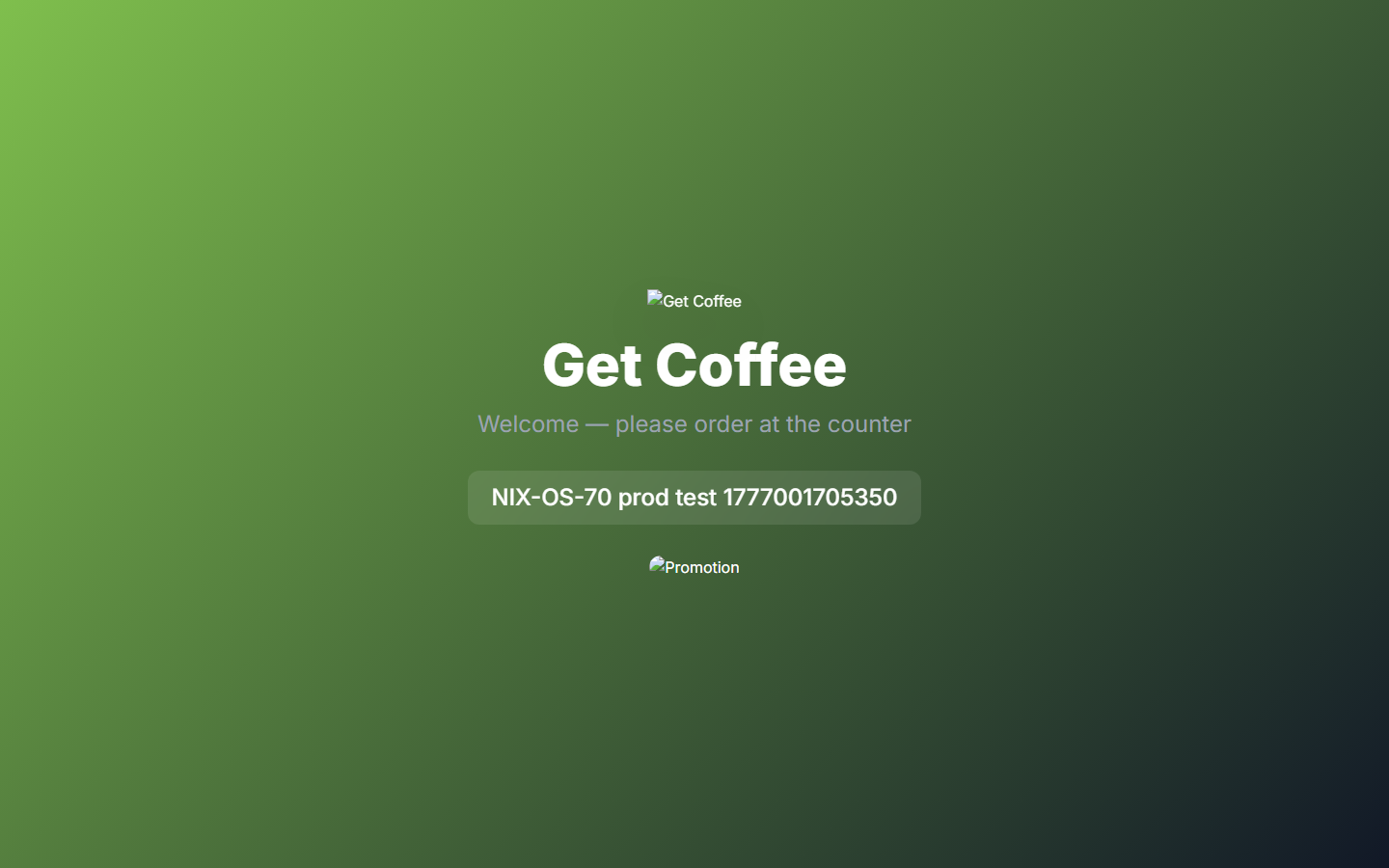
/cafe/display/[sessionId] idle screen renders the saved
logo (
<img>), promo text card, promo image, and primary-color
gradient.
validateBranding bad-hex rejection surfaces a clear
error in the UI. No 5xx during the flow. Cleanup restores original branding.
Next: NIX-OS-68 Polish bucket.
Render/knex divergence audit, NIX Cash Chrome extension sunset note, plus
anything Narong flags during QA.
98/98 stable regression tests green.
No regressions from this push.
| test-nix-os-70-prod.mjs — NIX-OS-70 Personalize Customer Display (new) | 10/10 |
| test-phase1-prod.mjs — SSO smoke + route auth | 11/11 |
| test-phase2-sso-outdoor-prod.mjs — Outdoor SSO bridge | 6/6 |
| test-phase2-cafe-multishop-prod.mjs — Cafe multi-shop | 6/6 |
| test-m1-prod.mjs — Dashboard/Orders/Reports shop scoping | 10/10 |
| test-r1-9-daily-report-prod.mjs — NIX-OS-72 Daily Sale Report | 11/11 |
| test-r1-10-cash-movements-prod.mjs — NIX-OS-71 Cash In/Out | 12/12 |
| test-r1-11-telegram-events-prod.mjs — NIX-OS-73 Telegram Events | 11/11 (after 1 retry) |
| test-nix-os-69-1-prod.mjs — NIX-OS-69.1 Kitchen foundation | 10/10 |
| test-nix-os-69-2-prod.mjs — NIX-OS-69.2 Kitchen Display | 11/11 (after 1 retry) |
| test-r1-1-cashiers-prod.mjs — R1.1 cashier admin (transient) | 8/9 |
| test-r1-4-drafts-prod.mjs — R1.4 drafts (transient — Odoo 429) | 5/9 |
r1-1 + r1-4 transient flakes: Both retried once per protocol.
r1-1 holds at 8/9 across both runs — failure is "row not showing Inactive
chip after deactivate", a UI polling/display race that's pre-existing
(NIX-OS-70 doesn't touch cashier admin). r1-4 hits
Odoo HTTP 429: Too Many Requests — Odoo backend is
rate-limited from the parallel test traffic across all the suites today.
r1-9 / r1-10 / r1-11 / 69.1 / 69.2 all pass against the same Odoo, so the
integration is fine; r1-4 just gets unlucky on Odoo's rate window.
Neither is a 70 regression.