#24a — POS category pill strip (prod)
31a3380 · no migration · Gate 2 5/5 · regression 51/51Notion #24a, confirmed by Narong over Telegram (2026-06-11): bring the category pills back — his 06-03 objection was the strip wrapping and overcrowding, not pills themselves. The dropdown is replaced by a single-line pill strip that never wraps: it slides horizontally by touch/trackpad, and ‹ › arrow buttons appear automatically when the strip overflows (hidden while everything fits). Each pill shows the category’s product count, like his mockup.
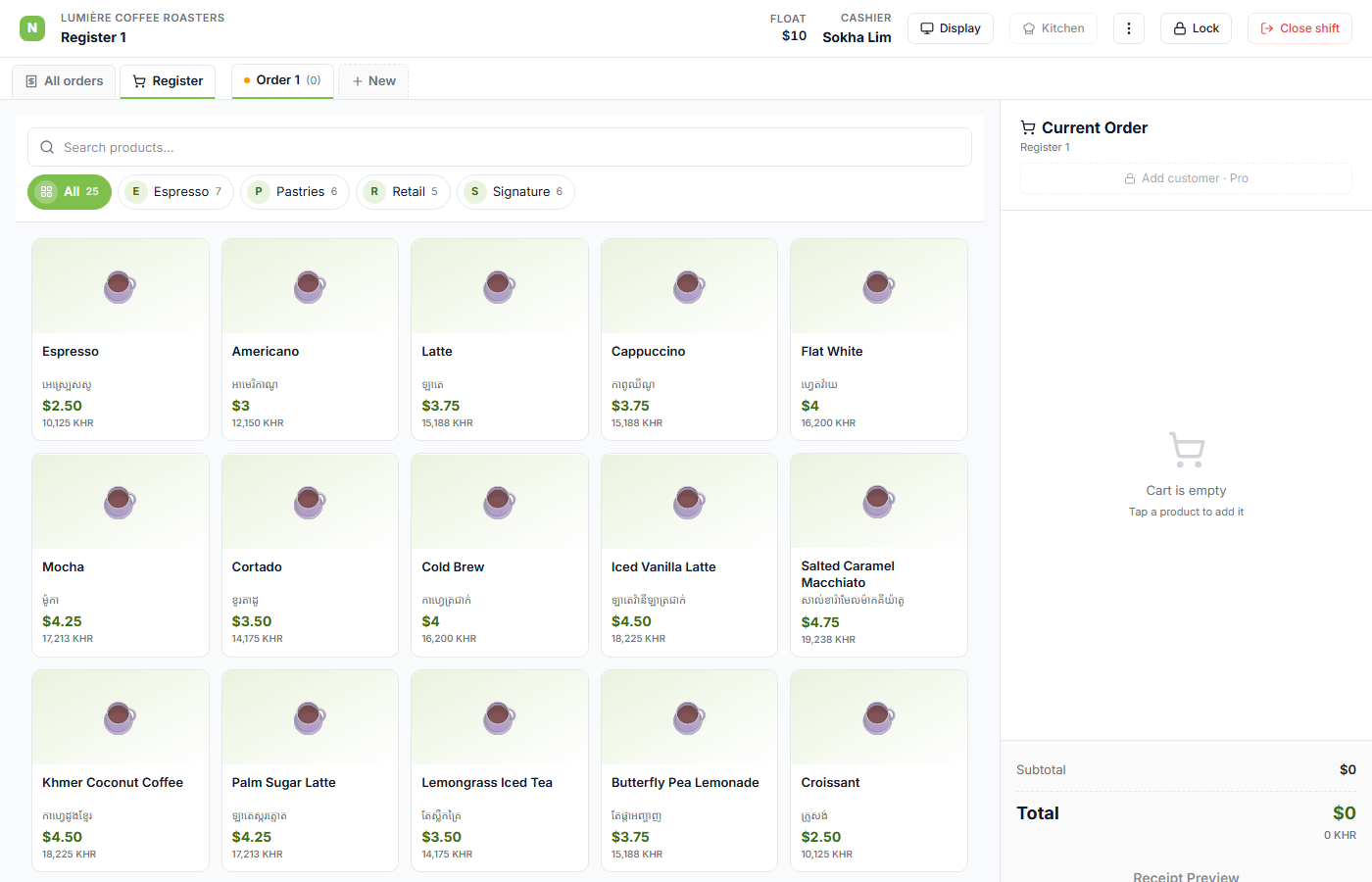
1 — The strip on an open register (now with thumbnails)
lumiere BKK1: All pill first (grid glyph), then each category with a thumbnail
+ count. The thumbnail borrows the first product image in the category; categories with no
product photos show a letter circle (lumiere has no images, so it shows E/P/R/S here).
One line, native scrollbar hidden. Gate 2 asserts flex-wrap: nowrap + strip height ≤48px
(no wrap) + a thumbnail slot on every pill.
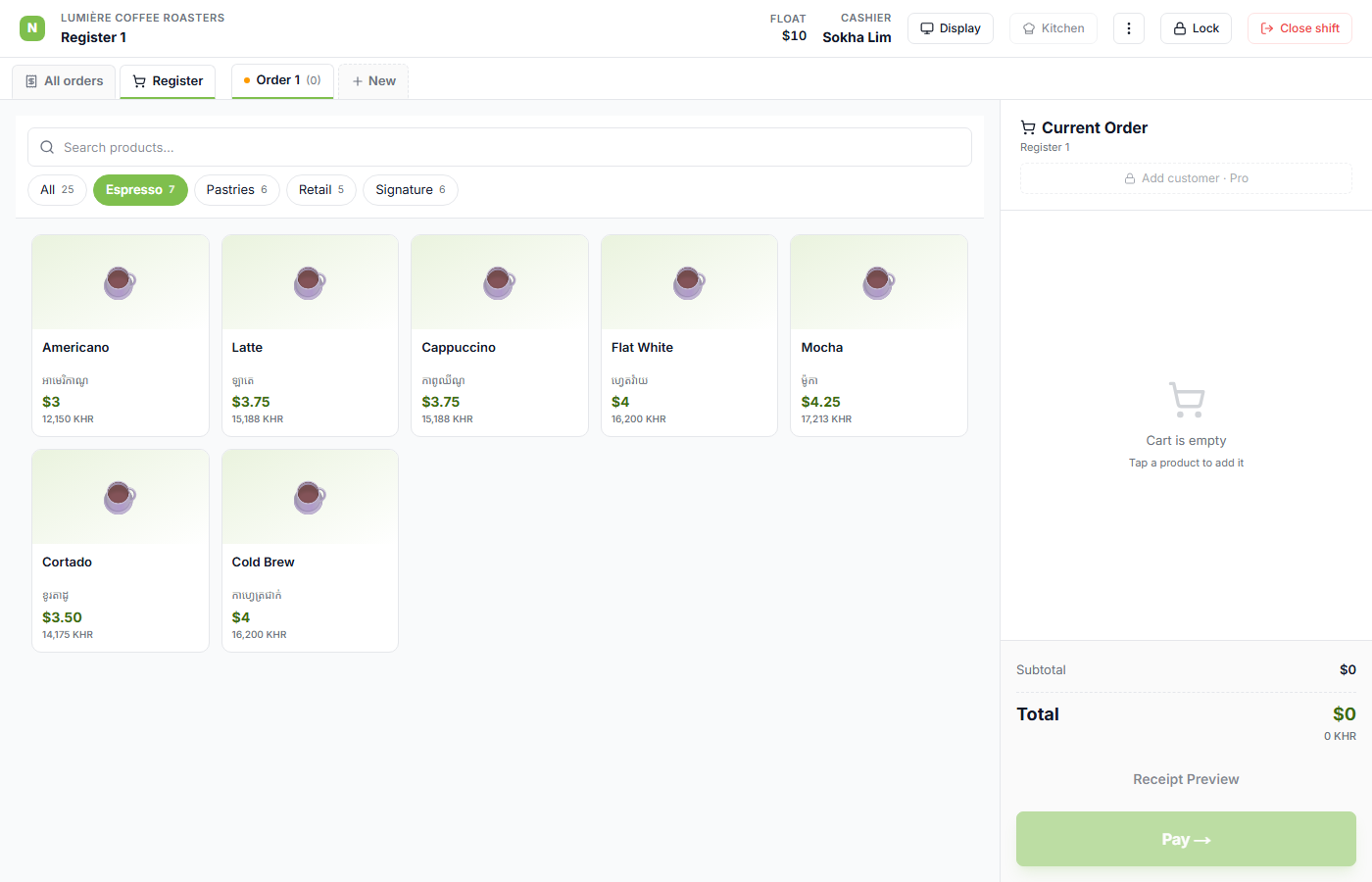
2 — Tap a pill → tiles filter
Tapping a category fills it green and filters the grid. Gate 2 cross-checks the pill’s count against the number of rendered tiles.
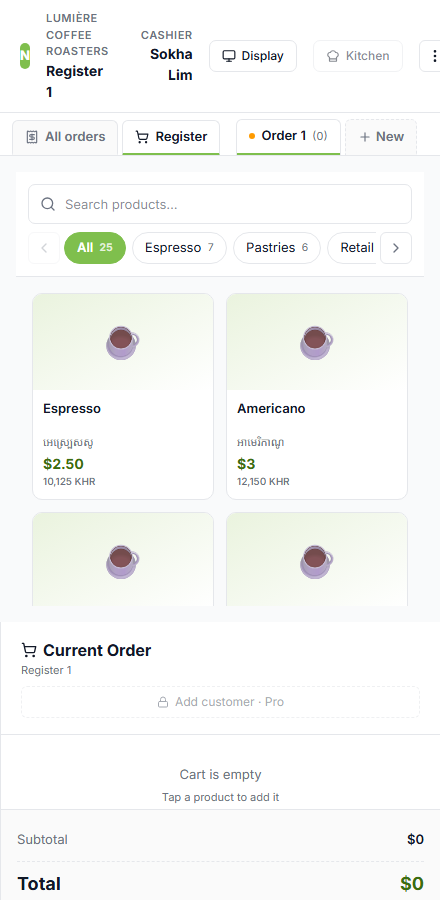
3 — Overflow → arrows appear
At a narrow register pane the strip overflows: ‹ › buttons render at the edges, the left one disabled while at the start. (At lumiere’s 4 categories this needs a phone-ish width — shops with more categories like get-coffee’s 11 get arrows at normal widths.)
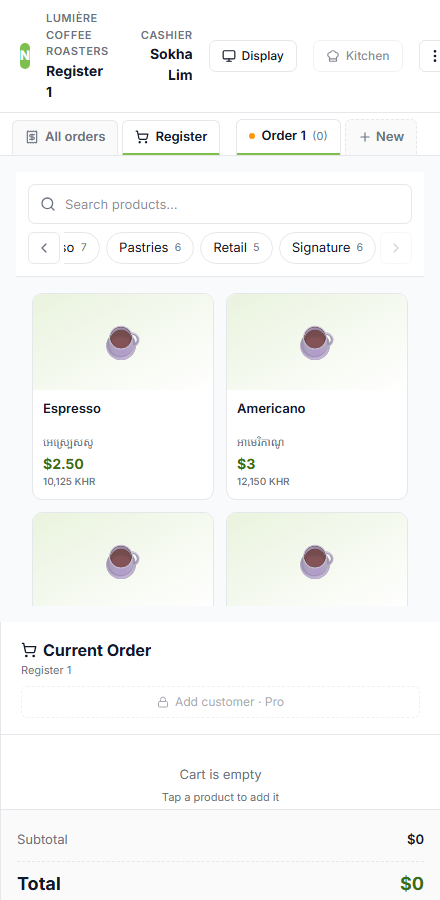
4 — Arrow click scrolls the strip
Clicking › smooth-scrolls ~70% of the visible width; the left arrow enables. Touch-sliding works the same way (it’s a plain horizontal scroller underneath).