Native registers visible on the POS picker (prod)
b57c3ed · no migration · Gate 2 4/4 (read-only) · regression 51/51
Narong created register POS-TSP #1 under the new Get Coffee Toul Svay Prey
shop — it showed on the admin Registers page but the POS picker said “No registers mapped to this
shop yet”, so no session could be opened. Root cause: the Pro register list filtered
odoo_pos_config_id IS NOT NULL and keyed cards on the Odoo id — registers created
natively (never synced to Odoo POS, which is universally bypassed; the register push dead-letters on a
payment-method error anyway) were invisible. Fix: the list and the session-summary resolver now key on
pos_config_int_id, Bundle 3’s canonical key the rest of the flow already uses.
1 — Picker shows every active register
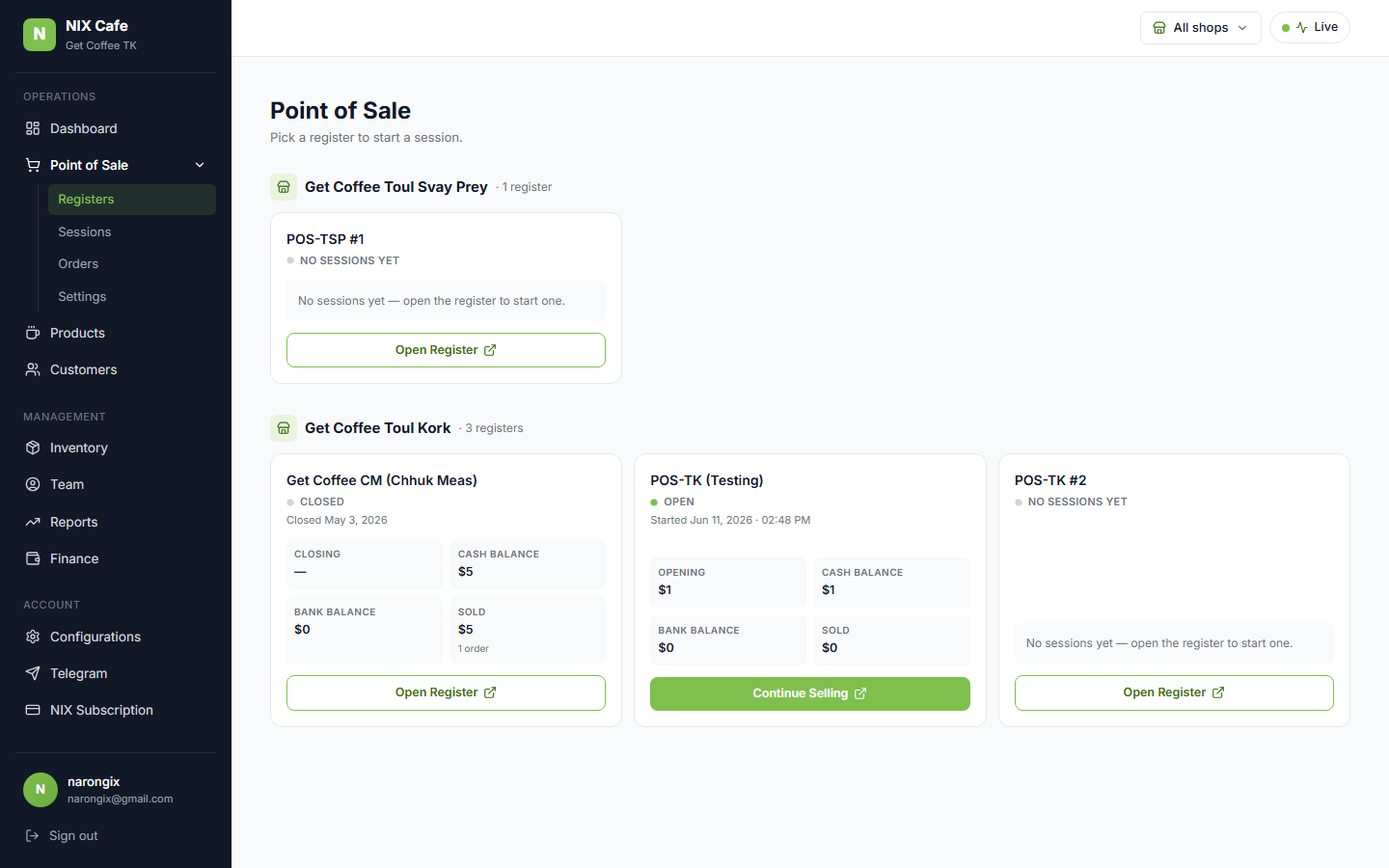
get-coffee owner view after the fix: POS-TSP #1 appears under Toul Svay Prey, and POS-TK #2 — also native, silently missing since 06-06 — reappears under Toul Kork. All 4 active registers (2 synced + 2 native) render, verified against a live DB expectation list.
2 — The native register's terminal route resolves
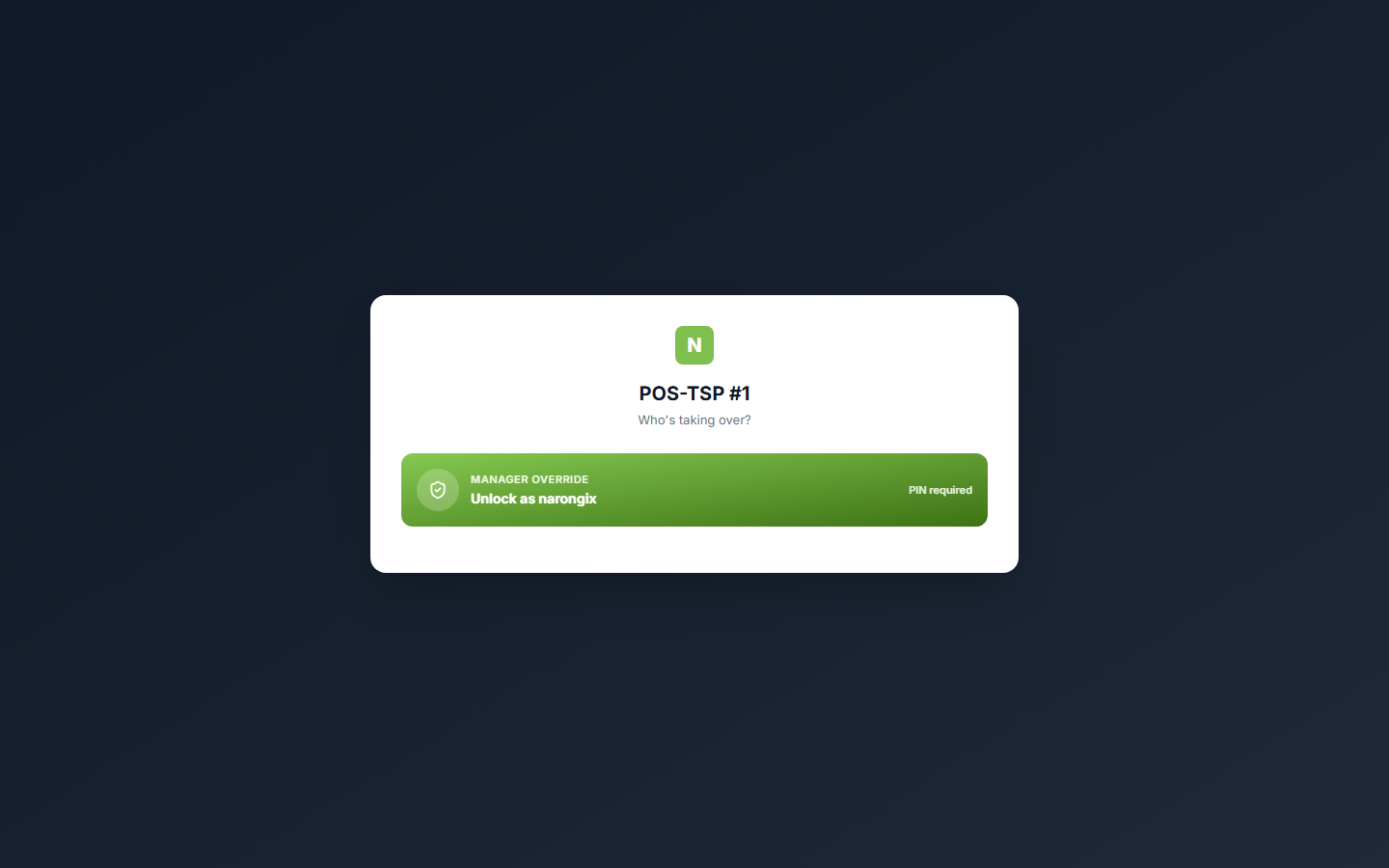
/cafe/pos/register/1000000028 renders the lock screen — the int-id key chain
(route → getRegisterByIntId → session open) works for native registers. The test
stays read-only on Narong’s live tenant: no unlock, no session opened (open-session count
asserted unchanged).
Flagged follow-ups
(1) The register→Odoo-POS push still dead-letters (“cash payment method already used in another Point of Sale”) — harmless for visibility now, but it's noise; disabling the register push entirely (like the 2026-06-01 product-push disable) is the standing #33 follow-up. (2) The new register has no payment methods assigned yet — the pay dialog will only offer all-shops methods until Narong assigns bank methods to it on the Payment Methods page.